

Progress Reports
Features
2
min read
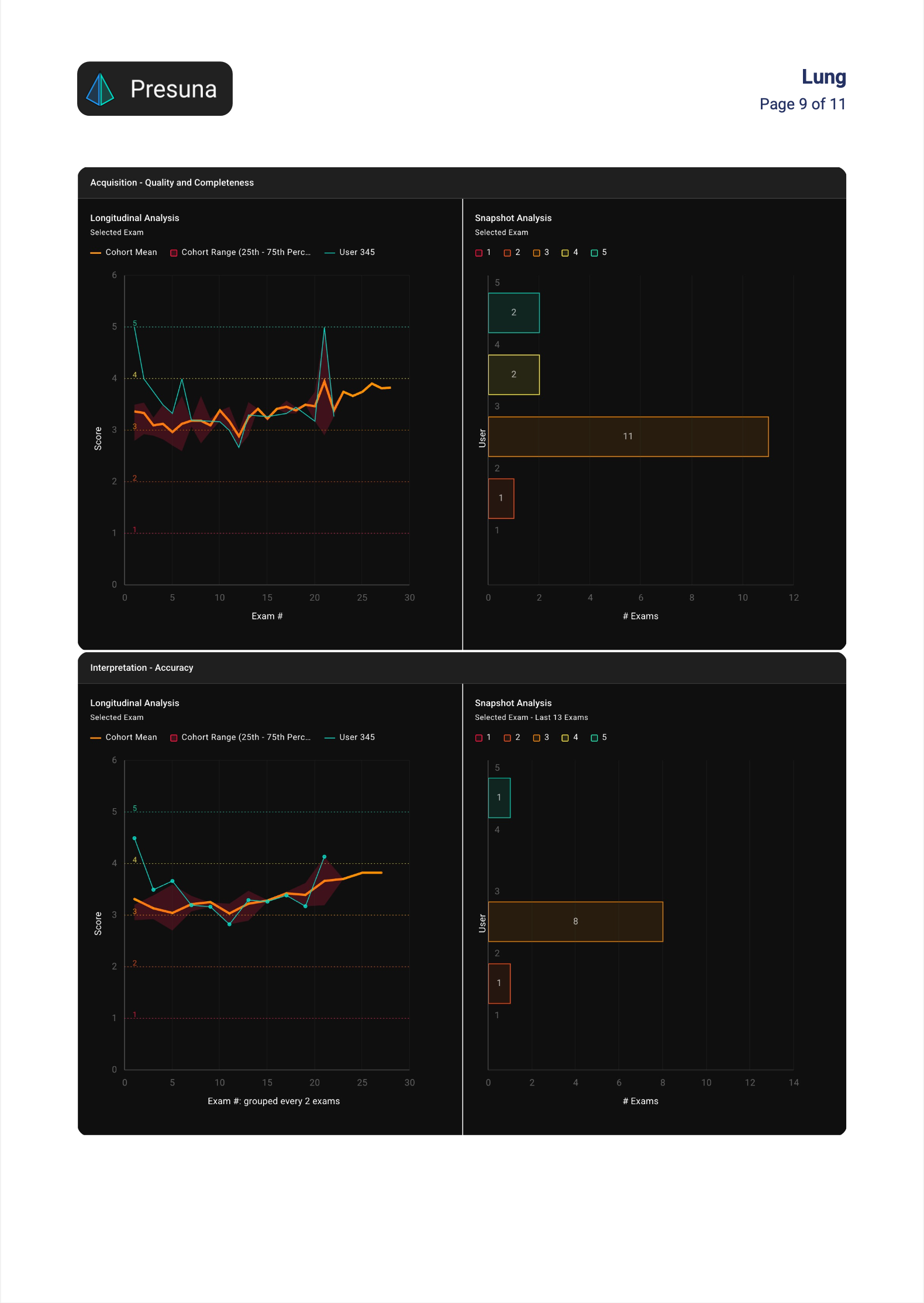
Download progress reports for trainees and more.
Feature Overview
Turn Presuna dashboards into downloadable PDF progress reports. User reports include full exam summaries (all published exams), per-exam details, and all reviewer comments/feedback appended, with single, multi-user, or role-based bulk exports (e.g. all trainees). Customize with white/black themes, chart or table views, and adjustable filters for dates, cohorts, roles, and exam types.
Video Demo
https://www.loom.com/share/a587fb387d3a485892d7cd03f126f235
Report Types
Users
Downloads the user analysis dashboard.
- Includes exam summary and all exam types published
- Appends a compiled list of all reviewer comments and feedback notes for that user at the end of the report
- Flexible downloads: single user, multi-user selection, or bulk download for all users in a given role (e.g., all trainees)
Cohorts
Downloads the cohort analysis dashboard.
Report Customization
Several ways to customize downloaded reports
- Choose white or black background theme for better readability/printing or dark-mode preference
- Toggle snapshot analysis views: display key metrics and trends in chart format (visual graphs, progress bars) or table format (detailed rows/columns)
- Update the underlying dashboard query directly in the report builder to adjust filters like date ranges, specific groups/cohorts, roles, exam types, and more
Report Access
Users can download progress reports only for dashboards they have access to.